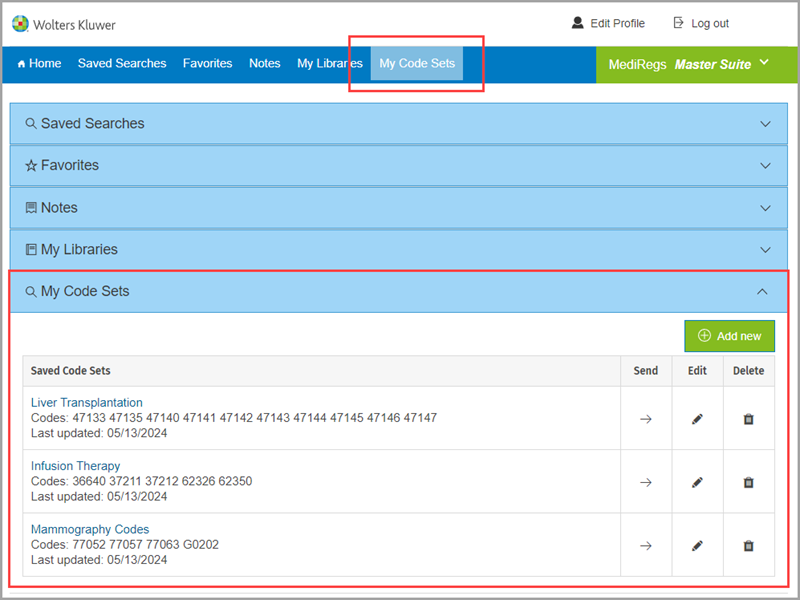
You have the option to store lists of codes to drop into coding an payment tools quickly by clicking on My Code Sets.
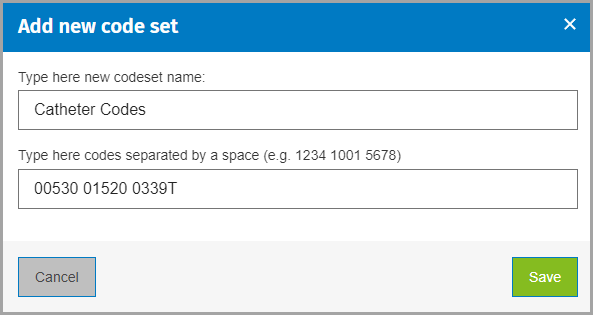
Create a new code set by clicking on the Add new button. Provide a name and a list of codes and click Save.
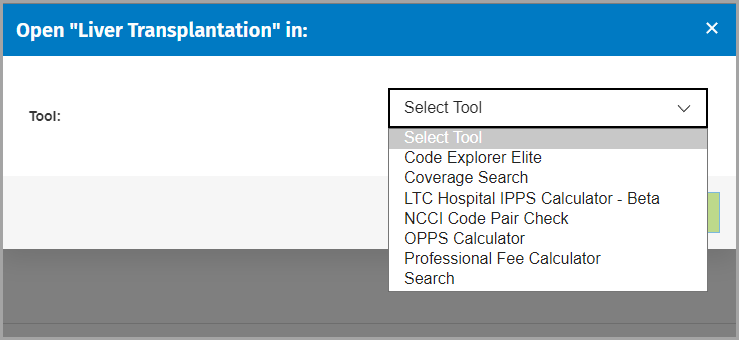
Once you have saved your code set, click the Send arrow and choose a tool.
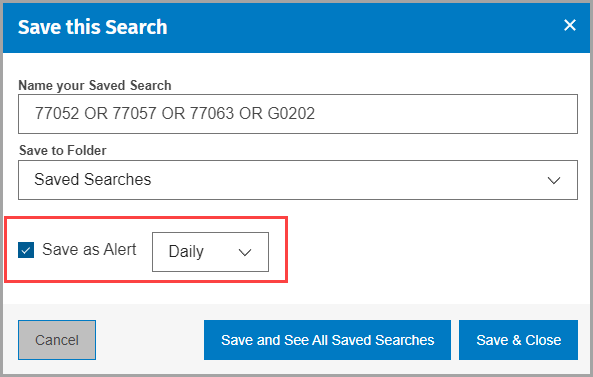
NOTE: You can also create an alert for the same codes. Click Home, choose Advanced Search, and search for the same codes using OR between each code.
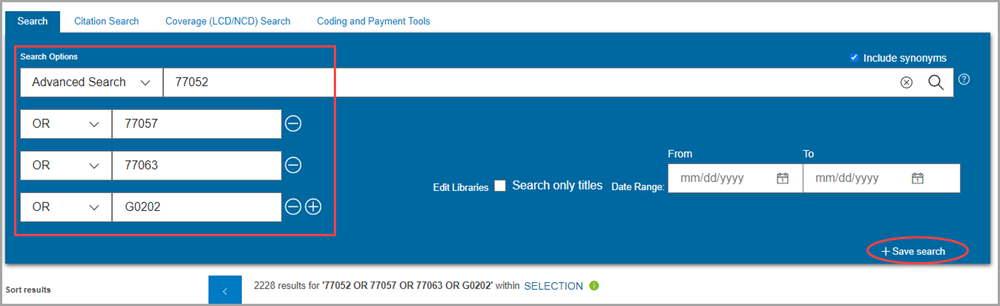
Click Save search. Then, check the Save as Alert box.