Add a note to any individual document by clicking the option at the top of the screen.
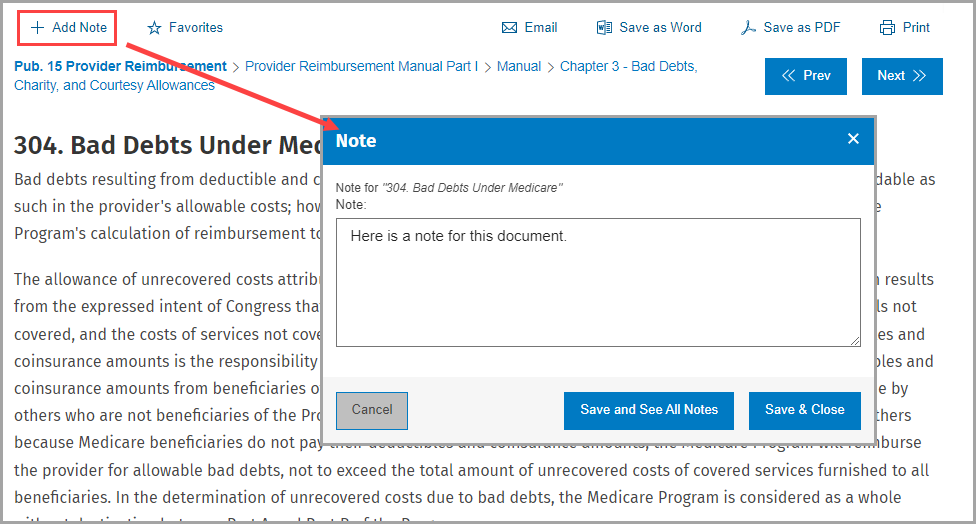
Once you have written your note, click either Save and See All Notes or Save & Close. Once a note has been added to a document, the + Add Note link will appear as Edit Note.

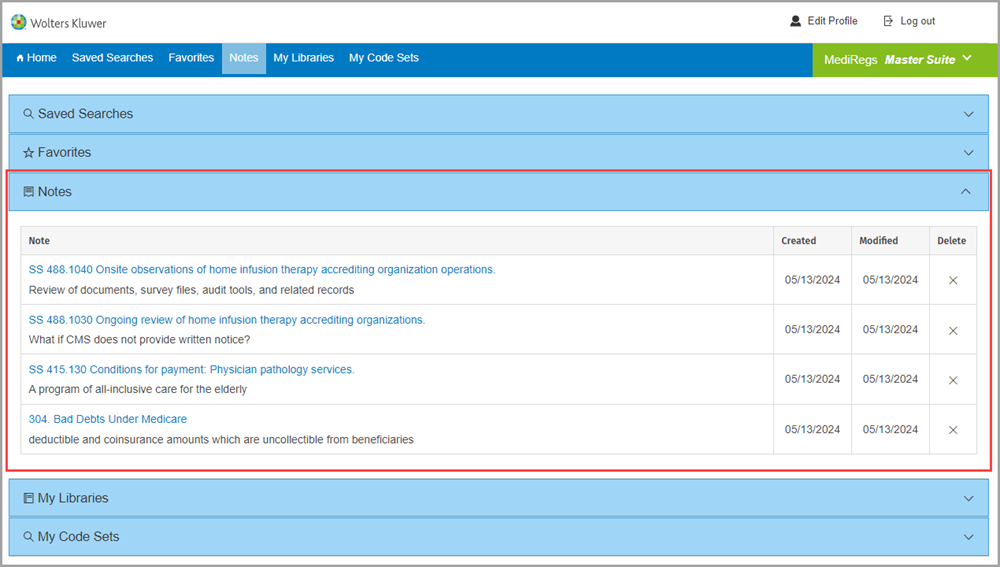
Retrieve all your notes using the command on the utility bar.

Here, you can read all your saved notes, click a link to return to the document, or delete your note.